01
Connections
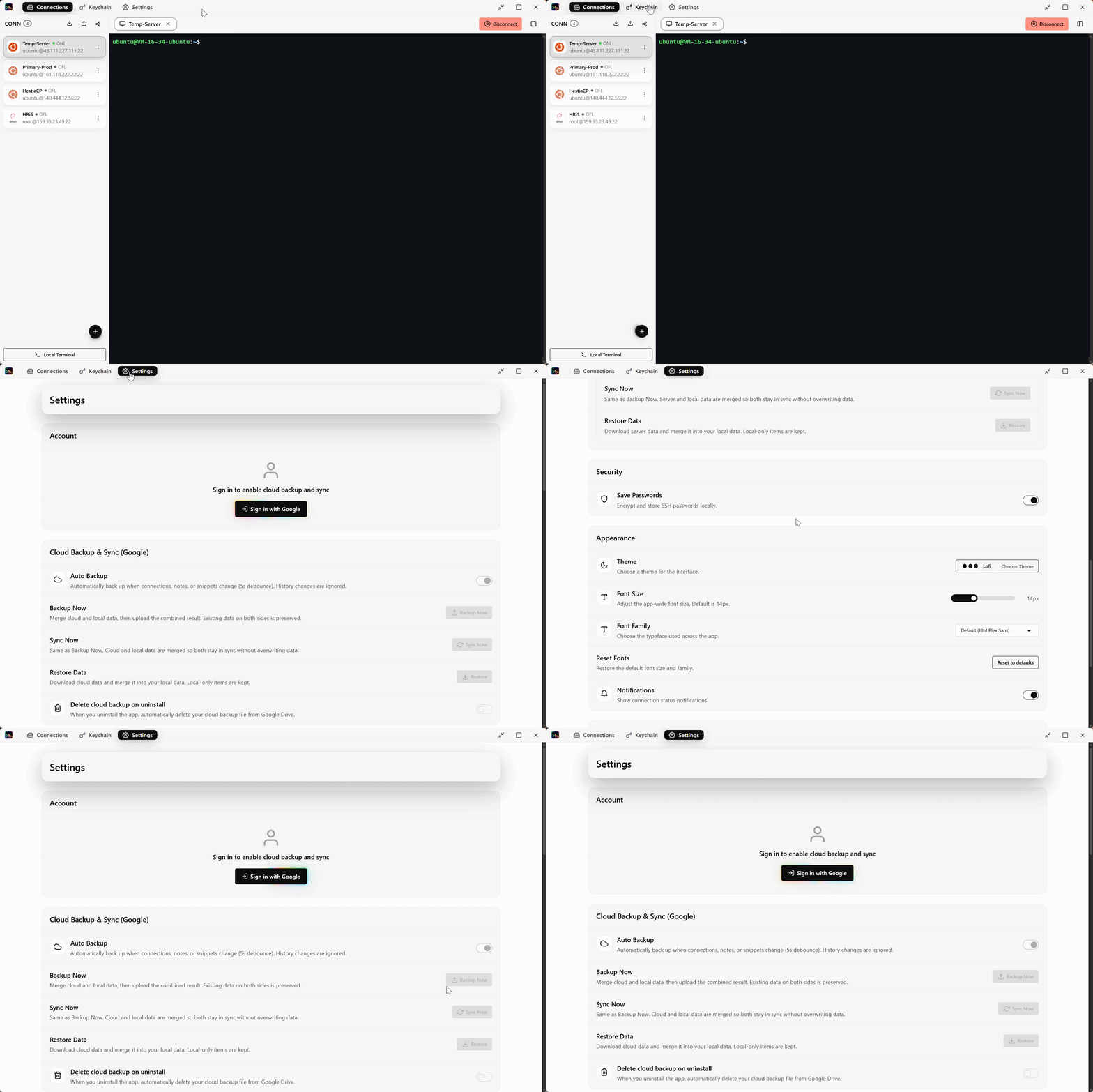
Save and organize SSH connections. Password or key auth. Test before you save, then one-click connect.
WoleSSH is a cross-platform SSH client for Windows, macOS, Linux, Android, and iOS. It helps you manage servers, SSH keys, and terminal sessions. Google Sign-In is optional and is only used to back up your encrypted data to your own Google Drive.
No account required · Google Sign-In is only for optional Google Drive backup
The name says it all: "Woles" comes from the Indonesian slang selow ("relax," "take it easy"), and SSH is, well, SSH. So WoleSSH is exactly that — a relaxed way to SSH into your machines.
A complete SSH workflow: connections, a real terminal, key management, and encrypted backups.
Save and organize SSH connections. Password or key auth. Test before you save, then one-click connect.
A full interactive terminal with auto PTY resize, auto-reconnect on drops, and optional OS notifications.
Manage, import, and generate SSH keys. Smart bundle import and PuTTY (.ppk) support built in.
AES-256-GCM encryption before anything leaves your device. Optional automatic backups.
Optional Sign in with Google for encrypted Google Drive backup and sync, or bring your own backend with ready-made Node.js and PHP guides.
Light/dark themes that follow your system, plus one-click clear of all local data.
Reach servers that aren't directly accessible by tunneling the SSH connection through a proxy
Create and manage SSH tunnels on a dedicated screen, separate from your terminal sessions
Chat with your saved AI models directly inside WoleSSH
Security is a first-class concern, not an afterthought.
Fast where it matters, safe by design.
Download WoleSSH for your platform and connect to your first server.
Choose your platform and install WoleSSH.
Enter the host, username, and credentials.
Verify the connection, then open the terminal.
Manage everything from one calm workspace.
Everything you need to manage servers, minus the stress.
A clean, distraction-free interface built around what you actually do.
Connections and keys live locally. Backups are encrypted before they leave.
Sign in only if you want cloud backup. Otherwise it works fully offline.
Built with Rust and Tauri — lightweight and quick, not a bloated wrapper.
Quick answers to common questions.
Every feature is free — no paywalls, no subscriptions. If WoleSSH saves you time, a donation is appreciated but never required.
No account required · Google Sign-In is only for optional Google Drive backup